Friction story 01 · Charging & cables
Untangle the Routine
The cable you need is behind the desk. The three you do not need are enjoying the entire work surface.
Category guidance · No hands-on product testing or purchase rankings
The moment that needs fixing
You unplug your phone, stand up, and hear the familiar little tap of a connector hitting the floor. Tomorrow you will crawl under the desk again. This is not necessarily a cable-storage problem. It is an endpoint problem: the part you need has no reason to stay within reach.
Start by watching one ordinary charging session. Where does your hand go? Does the lead cross a walking route? Is the socket accessible without twisting? A photograph of a beautifully bundled desk will not answer those questions. The useful arrangement is the one that works when you are tired and holding a mug.
Before buying anything, remove disconnected cables and separate charging from temporary accessories. Move an existing charger if the new position remains dry, ventilated and safe. Sometimes the most effective cable organiser is simply one fewer cable.
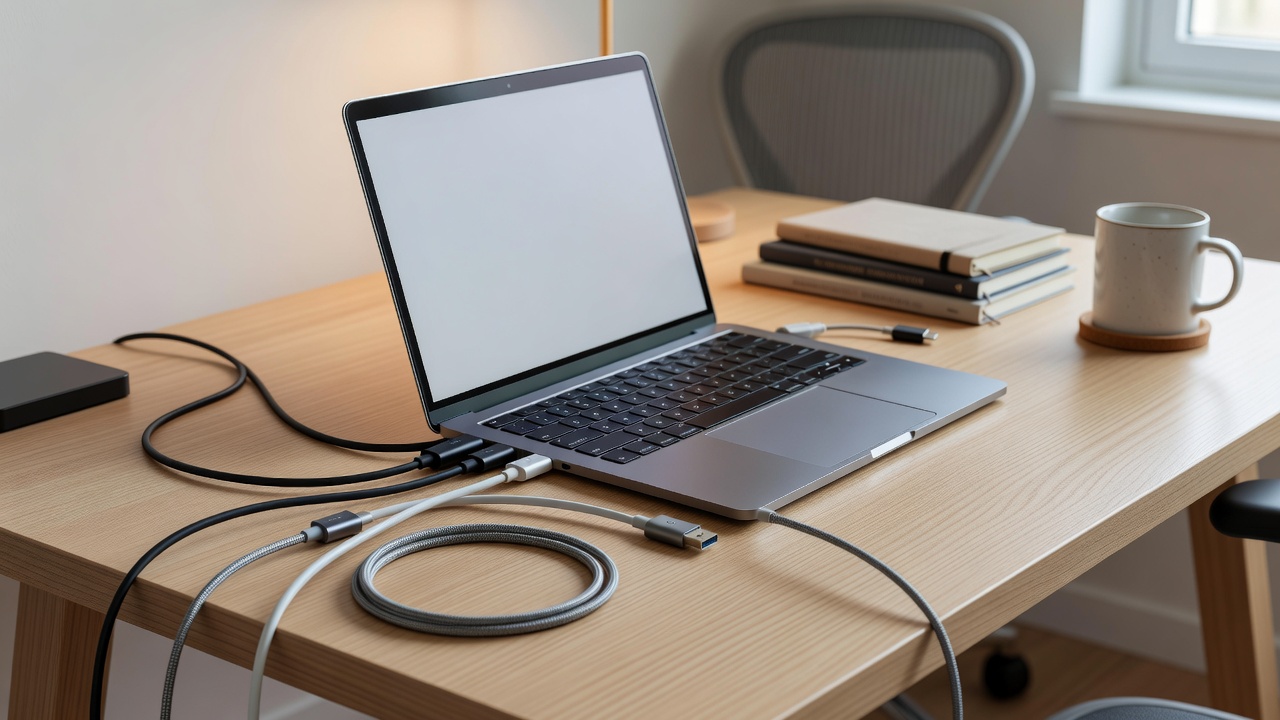
Attempt one: keep the end nearby
A small cable clip can hold a loose connector at the edge of a desk. Check the diameter of the cable rather than assuming that every slot fits every lead. Too loose, and the cable drops through. Too tight, and removing it becomes an awkward pinch-and-pull task.
Adhesive clips need a suitable, clean surface and the manufacturer’s recommended preparation. They may fail on textured finishes or damage delicate coatings when removed. A weighted holder avoids adhesive but occupies surface space and can slide when a heavy cable pulls on it.
A reusable hook-and-loop tie is useful for spare length. Leave enough slack for normal movement and avoid sharply bending the cable at its connector. Do not bundle a visibly damaged lead and call the problem solved. Frayed insulation, bent connections or overheating require stopping use and following appropriate replacement guidance.
Organise the route before disguising it. A sleeve cannot make an unsafe arrangement safe.
Attempt two: simplify the charging point
A multiport charger can reduce the number of separate power bricks. It cannot make every port deliver its maximum advertised power at the same time unless the specification explicitly says so. Read the total output and the allocation for the combination of ports you plan to use.
USB-C describes a connector type, not a universal promise of charging speed, video support or data capability. USB Power Delivery is a charging protocol associated with the USB Implementers Forum, or USB-IF. The charger, cable and device must support a suitable combination. A lead that charges a phone may not meet a laptop’s power requirements.
Wireless charging removes the plugging-in step, but adds placement and compatibility constraints. Qi is a standard from the Wireless Power Consortium. Apple’s MagSafe ecosystem has its own device and accessory considerations. Check the specific model, case and charger combination rather than treating a magnetic ring as proof that everything will work together.
A charging pad is not automatically less cluttered. It still needs a cable, usually occupies a permanent patch of desk, and may charge more slowly or produce more warmth than a suitable wired setup. If plugging in is comfortable, the old cable may remain the better tool.
A tidy cable you cannot comfortably reach is a display decision, not a practical improvement.
The upkeep and access check
Consider who uses the desk. Small clips can demand fine finger control. Dark leads against a dark surface can be difficult to distinguish. A large, legible label near each connector may save more effort than a decorative storage box. Avoid labels that cover ventilation or interfere with connector insertion.
Keep chargers ventilated and follow the equipment instructions. Do not hide power strips under soft furnishings or assume that a cable box is suitable for every load. Never daisy-chain power strips to compensate for a poor socket arrangement. If you need changes to the electrical installation, seek qualified help.
Once a month, or whenever you rearrange the workspace, check for loose adhesive, strained cables and dust around the charging area. The interval is a practical suggestion, not a substitute for manufacturer instructions. A system that requires frequent rethreading may be more work than the original annoyance.
Is it worth keeping?
Keep the clip if the connector reliably stays within reach and releases comfortably. Keep the hub if it replaces several chargers without creating uncertainty about power. Skip either if it adds a new sequence of fiddly actions to a task that was already simple.
The successful result is modest: you sit down, find the right lead, and carry on. That is enough. Your desk does not need to resemble a product photograph to work better.
Check technical claims with the USB Implementers Forum, the Wireless Power Consortium and the instructions for your exact equipment.